Bracket
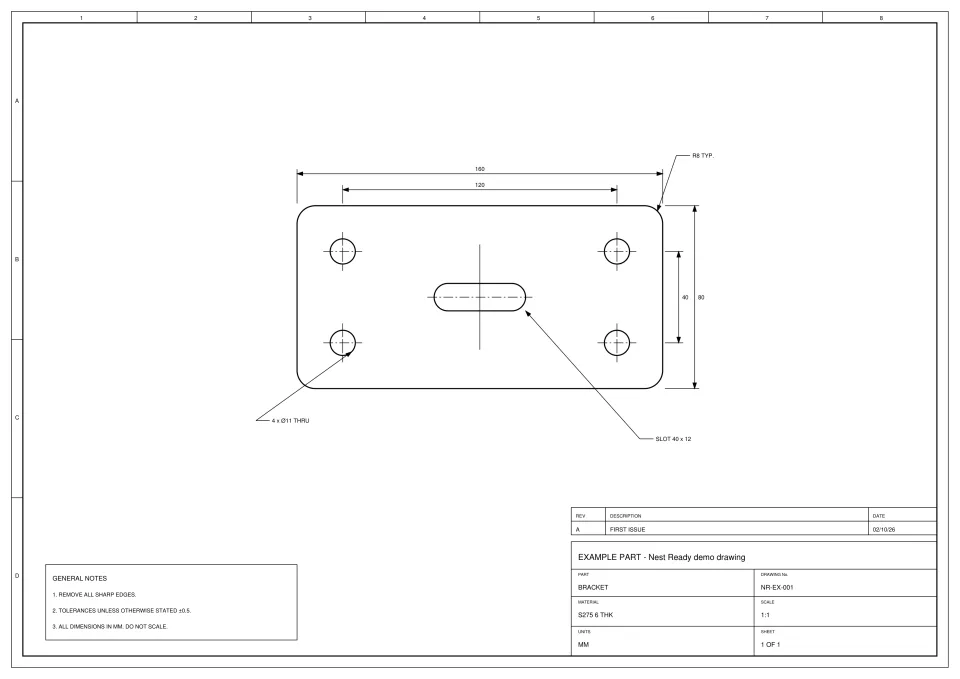
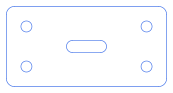
- Time
- about 15 s from submission to ready
- Features
- outer profile, 4 holes, 1 slot
- Flags
- None
- Review
- None: no flags, downloaded as extracted
Each example is an engineering drawing made for the purpose, so no customer drawing appears anywhere. Each converted card shows the drawing as uploaded, the DXF Nest Ready produced and the facts of that run: how long it took from submission to ready, what was found, what was flagged and what the reviewer did. Cards marked as placeholders are still to come.
No card required. Bring your own drawings.
Drawings exported from CAD, with their lines stored in the PDF.
Paper drawings put through a scanner: pixels, with no lines inside.
 Placeholder: real conversion coming soon Placeholder: real conversion coming soon
 Drawings saved as a picture, such as a PNG.
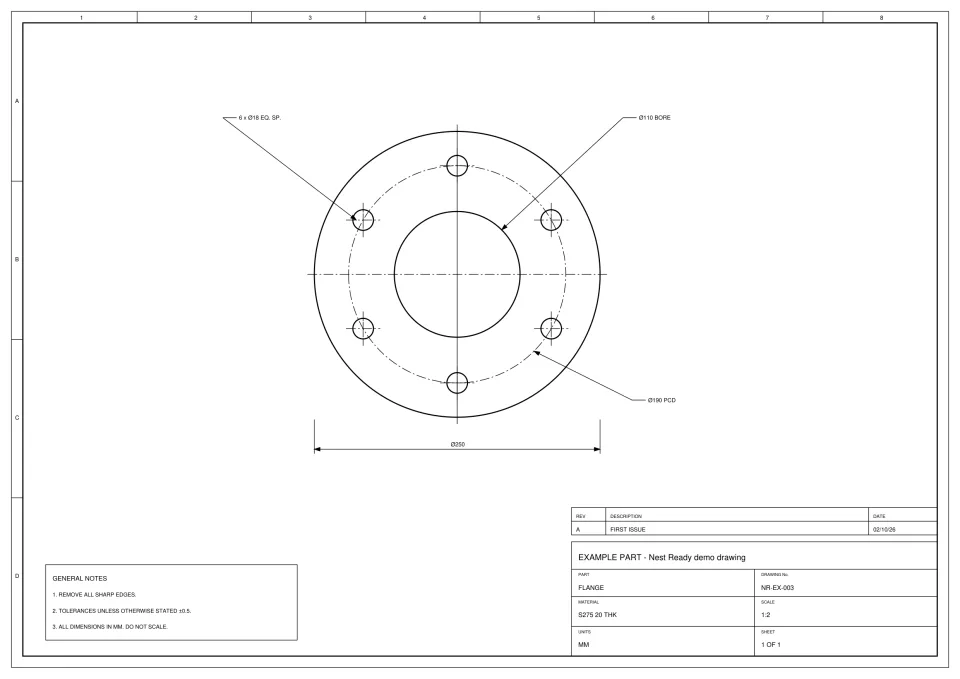 Placeholder: real conversion coming soon
 A photo of a drawing or a hand sketch.
 Placeholder: real conversion coming soon
 From generated drawings, through the live product, exactly as a customer’s drawing would go.
Check every DXF against the drawing before cutting, these included. More on what happens to a drawing: how it works.
Bring the drawing. Leave with the part.
We'd like to use Google Analytics cookies to see which pages help people find Nest Ready. Nothing is set unless you accept. Cookie policy